Manage Account
A comprehensive guide to managing your shop, services, staff, and account settings in Cero-Q Barber.
Dashboard Overview
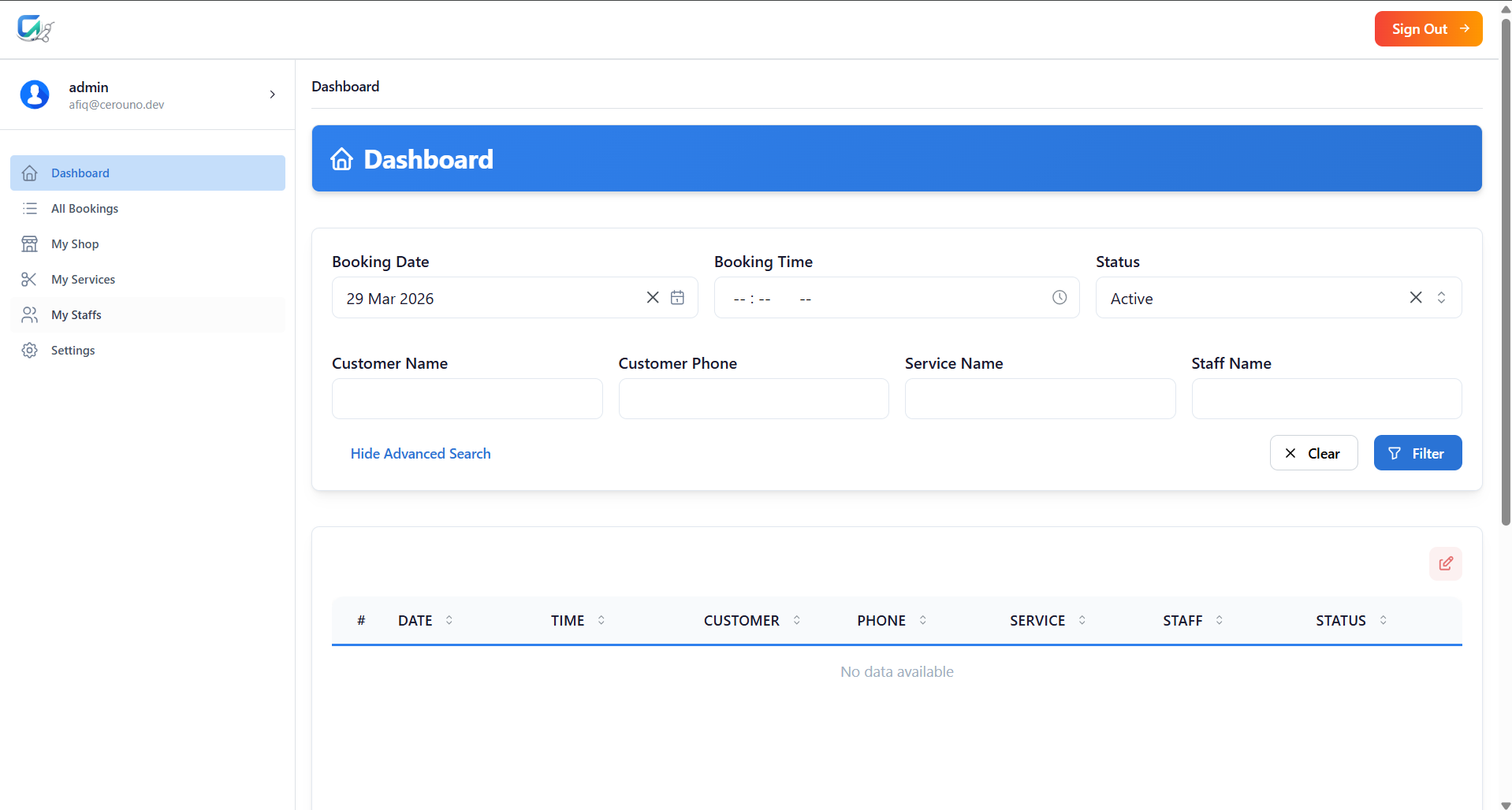
The dashboard is the central hub for managing your barbershop's daily operations. Here, you can view the current date's bookings and get a quick snapshot of your schedule.
All Bookings
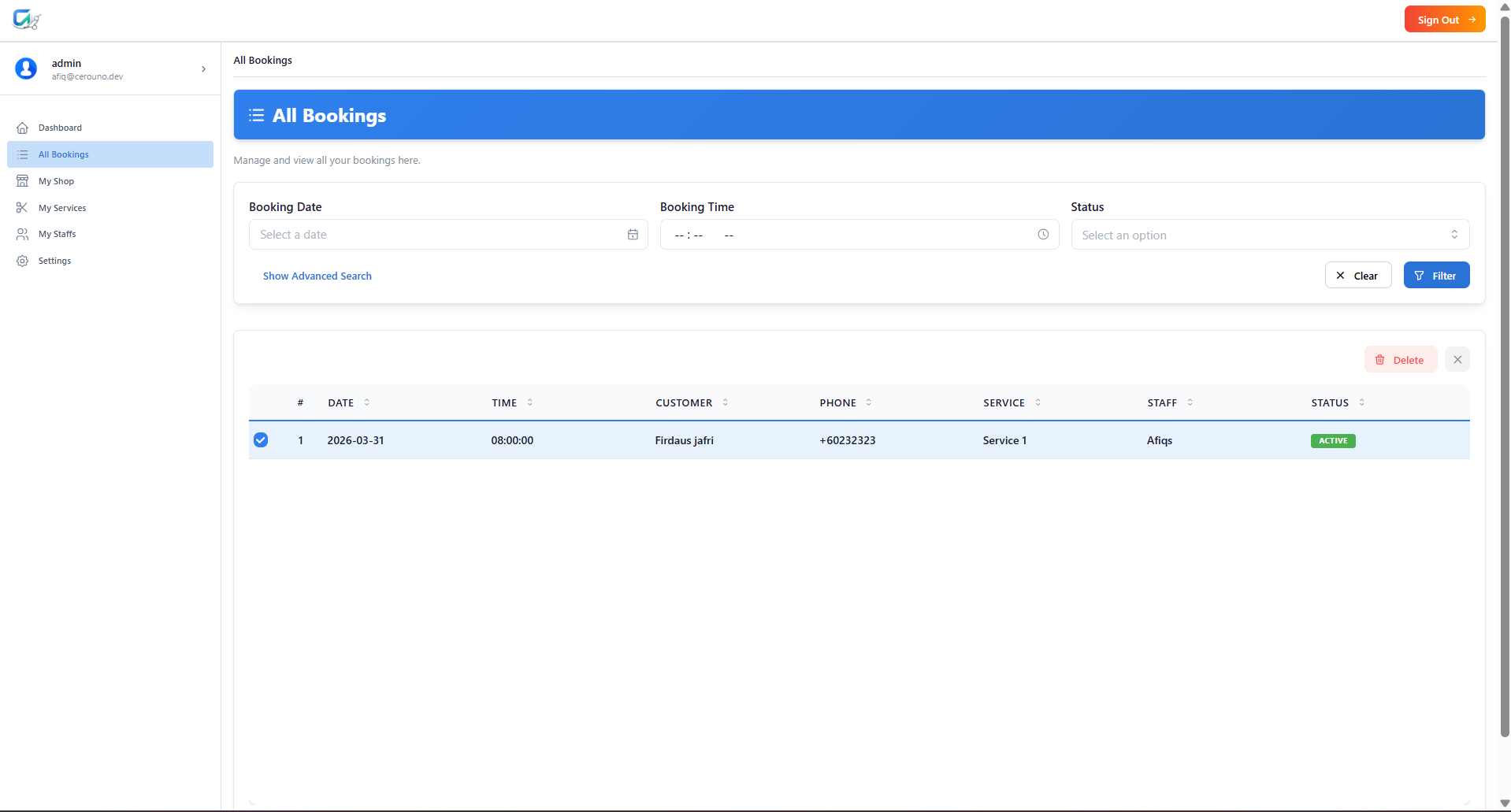
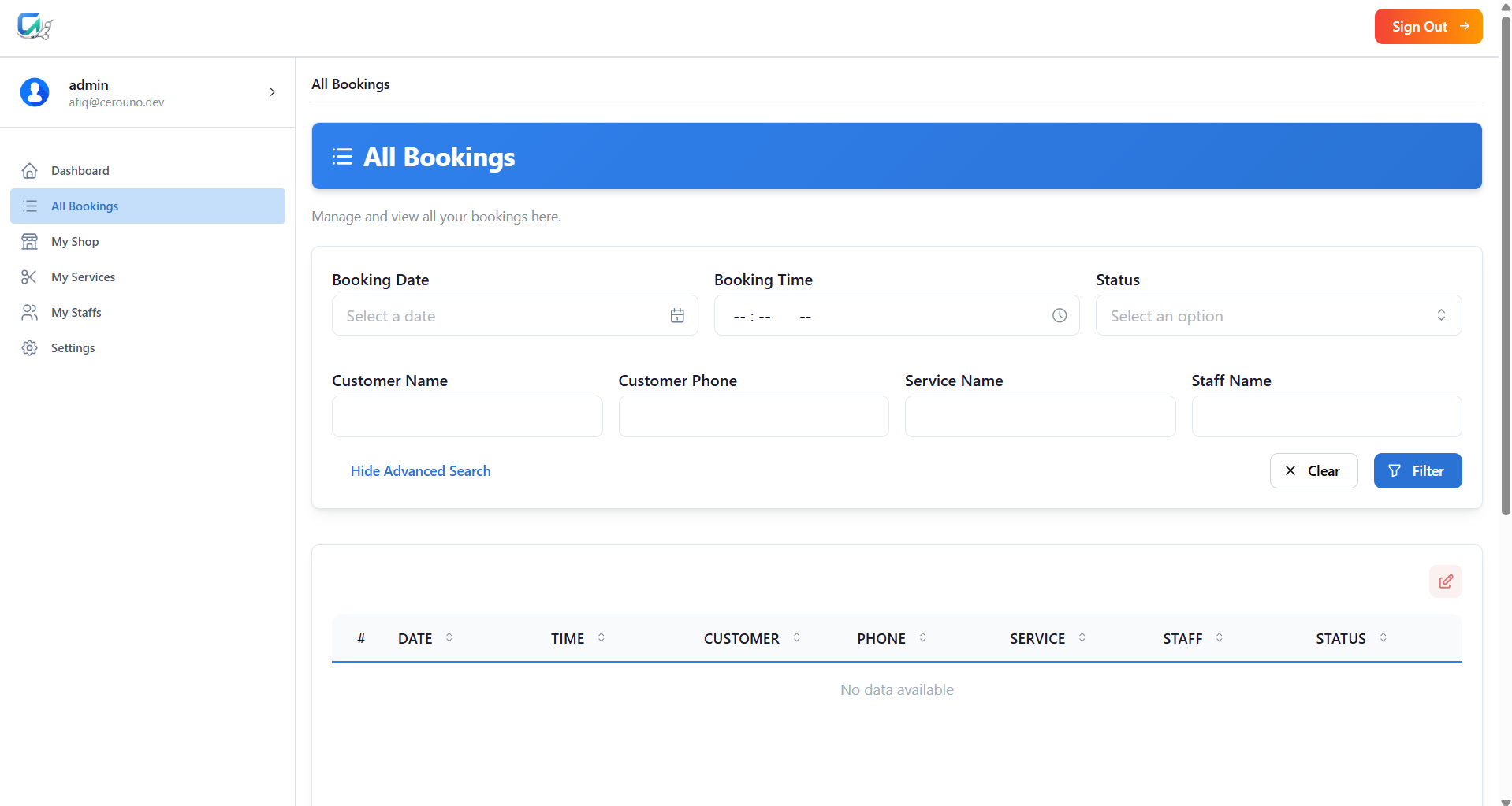
Navigate to the "All Bookings" section to see a comprehensive list of all past, present, and future appointments. You can search, sort, and filter these bookings to quickly find specific information. Filtering Options & Purpose: • Booking Date: Filter by specific dates to view past or upcoming appointments. • Booking Time: Filter by specific times of day. • Status: Filter by booking status (e.g., Active, Completed, Cancelled). • Customer Name / Phone: Search for a specific customer's history. • Service / Staff Name: Filter bookings by the requested service or assigned barber.
Booking Details
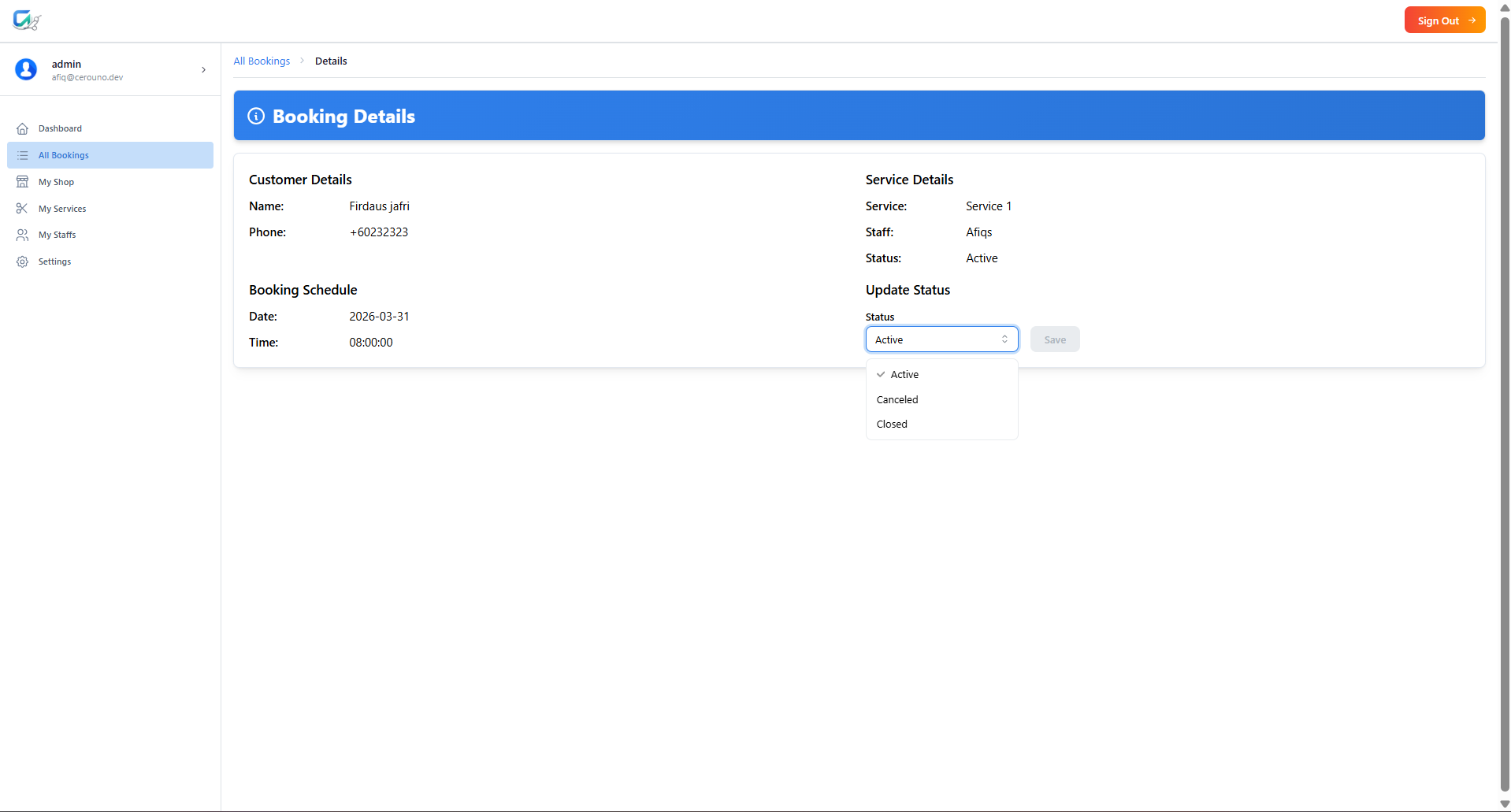
Click on any individual booking to view specific details about the appointment. This is crucial for understanding the customer's request before they arrive. Booking Detail Fields & Purpose: • Booking ID: A unique identifier for tracking the appointment. • Customer Name: The name of the client to ensure you greet them properly. • Customer Phone / Email: Contact information in case you need to reach out (e.g., delays). • Service Details: Shows the requested service, its duration, and the price. • Barber/Staff: Identifies which staff member is responsible for this appointment. • Booking Date & Time: The exact schedule for the appointment.
Managing Booking Status
You have full control over the lifecycle of a booking. From the details view, you can manage its status to keep your records accurate. Status Actions & Purpose: • Mark as Completed: Use this when the service is finished. It helps you track completed jobs and revenue. • Delete / Cancel Booking: If a customer cancels or is a no-show, use this option to remove the booking, freeing up the time slot for other customers.